
Getting Started
Managing several standalone WordPress websites is different from using WordPress Multisite — the core feature that runs many sites inside one WordPress install. This guide compares 12 tools for looking after multiple WordPress sites: desktop apps, cloud dashboards, and self-hosted panels. They cover updates, backups, security, and day-to-day admin, whether you freelance on a handful of client sites or an agency stack of many.
For each option you will see what it actually does, how it is priced, who it fits, and where it falls short.
The tools covered:
- WP Foundry
- ManageWP
- MainWP
- InfiniteWP
- WP Remote
- CMS Commander
- WP Umbrella
- SolidWP
- Jetpack
- Greyd.Hub
- WP Multi Network
- Duplicator
Only WP Multi Network is a true WordPress Multisite (network) tool. The rest are for managing separate WordPress installs from one place.
1. WP Foundry
WP Foundry is a desktop application for managing multiple WordPress websites from Windows, macOS, or Linux. It is not a WordPress Multisite (network) plugin. You install the WP Foundry Helper plugin on each site you already control, then run updates, backups, user changes, and vulnerability checks from the app. Site URLs and shared secrets stay on your computer — there is no WP Foundry cloud.
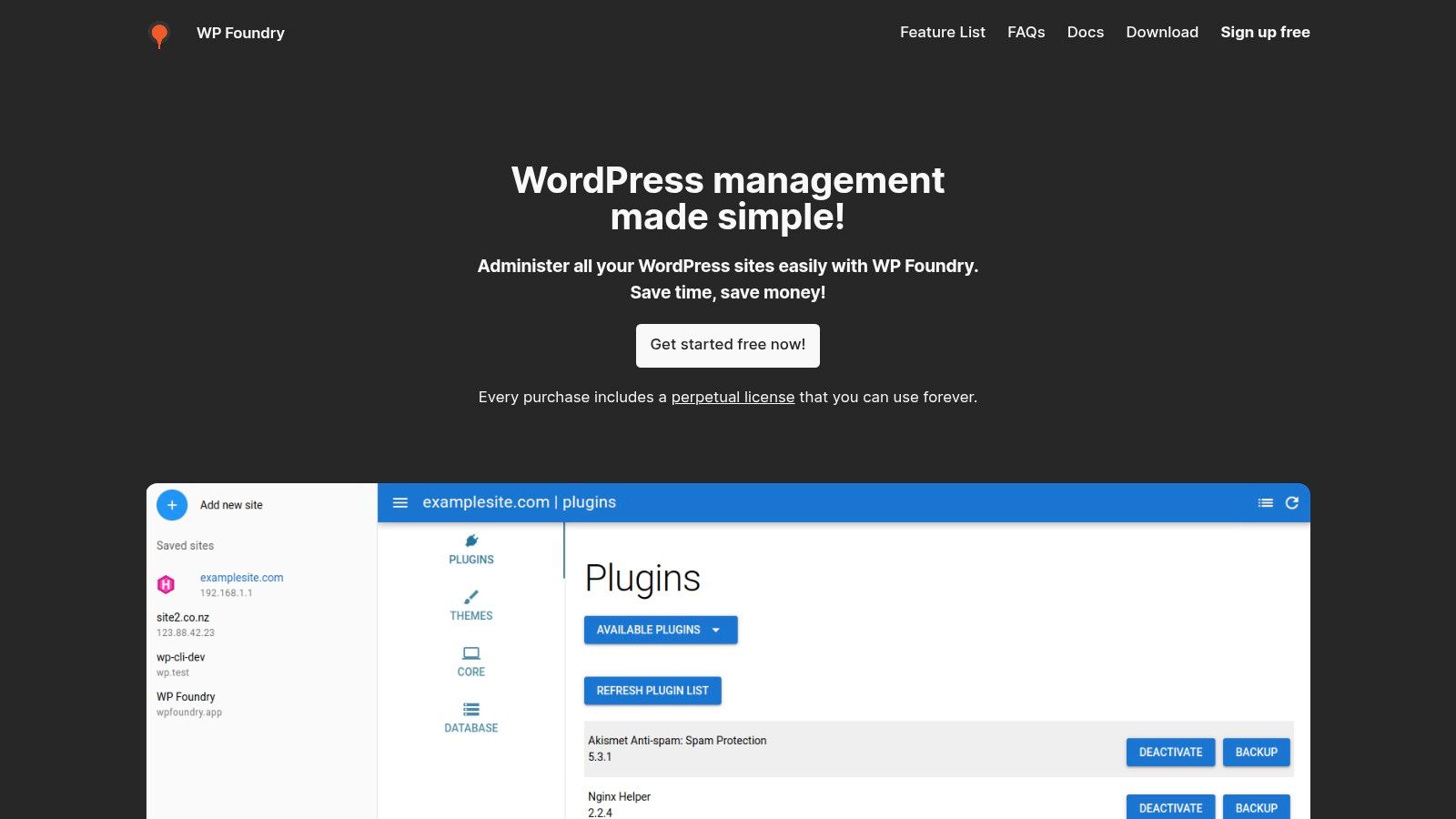
A standout feature is the built-in vulnerability scanner, which checks plugins, themes, and core against known issues. Sites connect over HTTPS through the helper plugin, so you do not need SSH. The free plan covers two sites; Pro is a one-time $10 license for unlimited sites, with one year of updates included. See how WP Foundry compares to ManageWP and MainWP.
Pros
- Native desktop app for Windows, macOS, and Linux — no cloud dashboard and no extra management WordPress install.
- Plugin, theme, core, user, backup, and vulnerability workflows from one local queue.
- Built-in vulnerability scanner.
- Connects over HTTPS via the WP Foundry Helper plugin (no SSH).
- Free for two sites; $10 one-time Pro license for unlimited sites.
Cons
- The free plan is limited to two sites.
- Requires the WP Foundry Helper plugin on each managed site.
2. ManageWP
ManageWP is a cloud-based dashboard for administering multiple WordPress websites from one place. This centralized platform offers features like one-click updates, automated backups, performance checks, and security scans. It’s particularly well-suited for freelancers and agencies managing numerous client sites. For those seeking a streamlined workflow, ManageWP helps consolidate essential tasks, saving valuable time and effort. Learn more about why a centralized WordPress admin dashboard can be beneficial here.
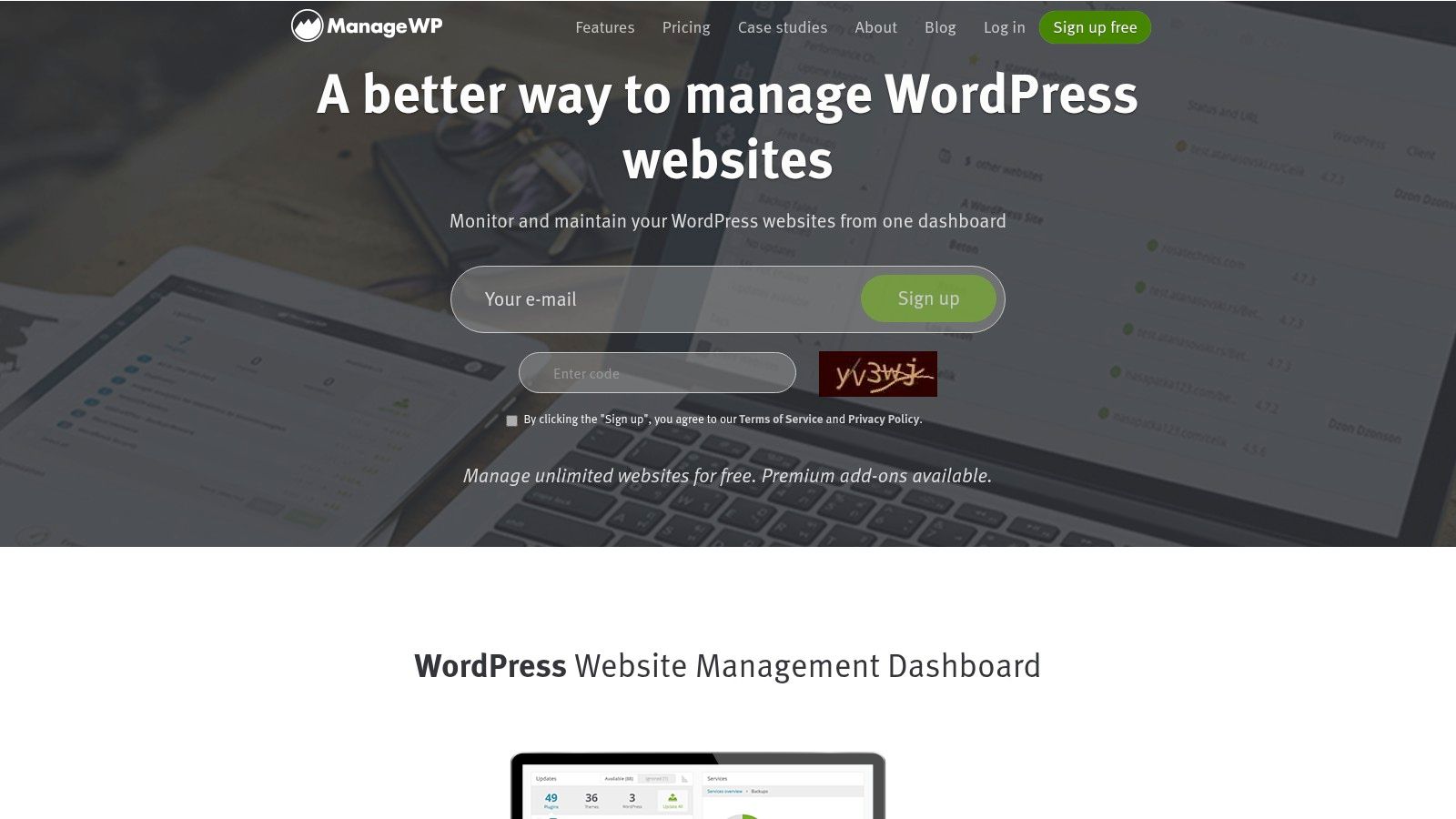
A key advantage of ManageWP is its user-friendly interface, making even complex operations relatively straightforward. Features like automated daily backups with one-click restore provide peace of mind. The platform also offers client reporting and white-label options, allowing agencies to present a professional image to their clients. While the free version offers basic functionality, unlocking advanced features, such as client reports, requires a paid subscription.
Pros
- User-friendly interface for managing many separate WordPress sites.
- Reliable backup and security features ensure site safety.
- Affordable pricing with a free version available for basic needs.
- Client reporting and white-label options enhance agency workflows.
Cons
- Advanced features like client reports require a paid plan.
- Some users may find the interface less feature-rich compared to desktop alternatives.
3. MainWP
MainWP is a self-hosted, open-source dashboard for controlling multiple WordPress sites from one WordPress install. This approach prioritizes privacy and data control, making it ideal for developers and agencies seeking full ownership of their management workflow. Unlike cloud-based solutions, MainWP puts you in the driver's seat.
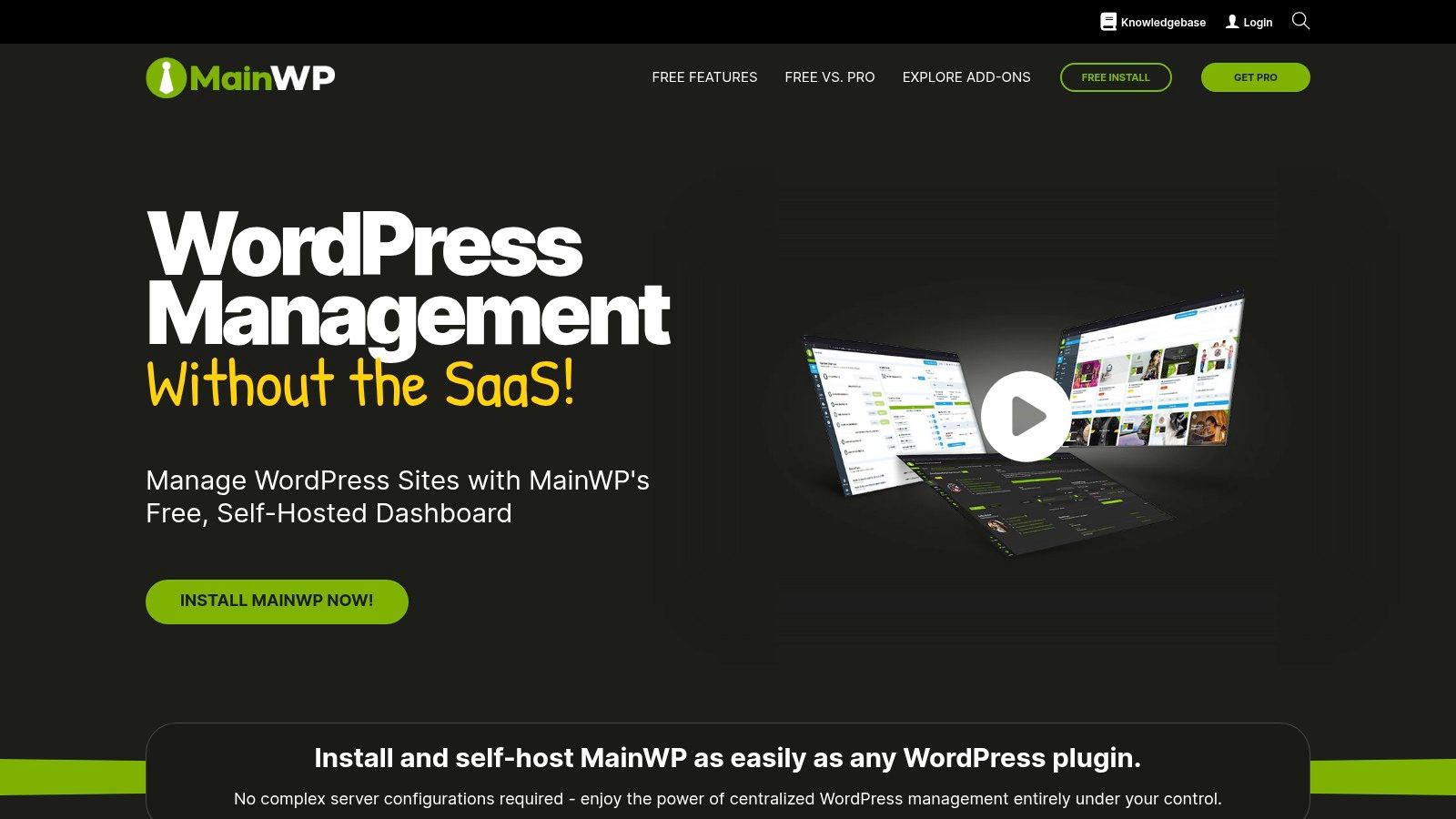
Its core functionality includes centralized management of updates, backups, and security scanning. The real power, however, lies in its extensibility. A wide range of free and premium extensions allows you to tailor MainWP to your specific needs, adding features like uptime monitoring, client reporting, and SEO tools. This modular approach lets you build a management dashboard that fits your workflow. For those comfortable with self-hosting and seeking granular control, MainWP is a compelling choice.
Pros
- Open-source and self-hosted, providing complete control over data and functionality.
- Highly customizable with a wide array of free and premium extensions.
- Cost-effective core platform, allowing you to choose and pay only for the extensions you need.
Cons
- Requires technical expertise for initial setup and ongoing maintenance of the self-hosted dashboard.
- The cost of essential extensions can add up, potentially exceeding the price of all-in-one solutions. Carefully consider your needs and the associated extension costs when evaluating MainWP.
4. InfiniteWP
InfiniteWP is a self-hosted dashboard geared towards agencies and developers managing many WordPress sites. It provides a centralized dashboard for managing updates, backups, security monitoring, and other essential tasks across multiple WordPress sites. This makes it a strong contender for those comfortable managing their own server environment. InfiniteWP helps streamline workflows for users managing a large number of client websites or their own network of sites.
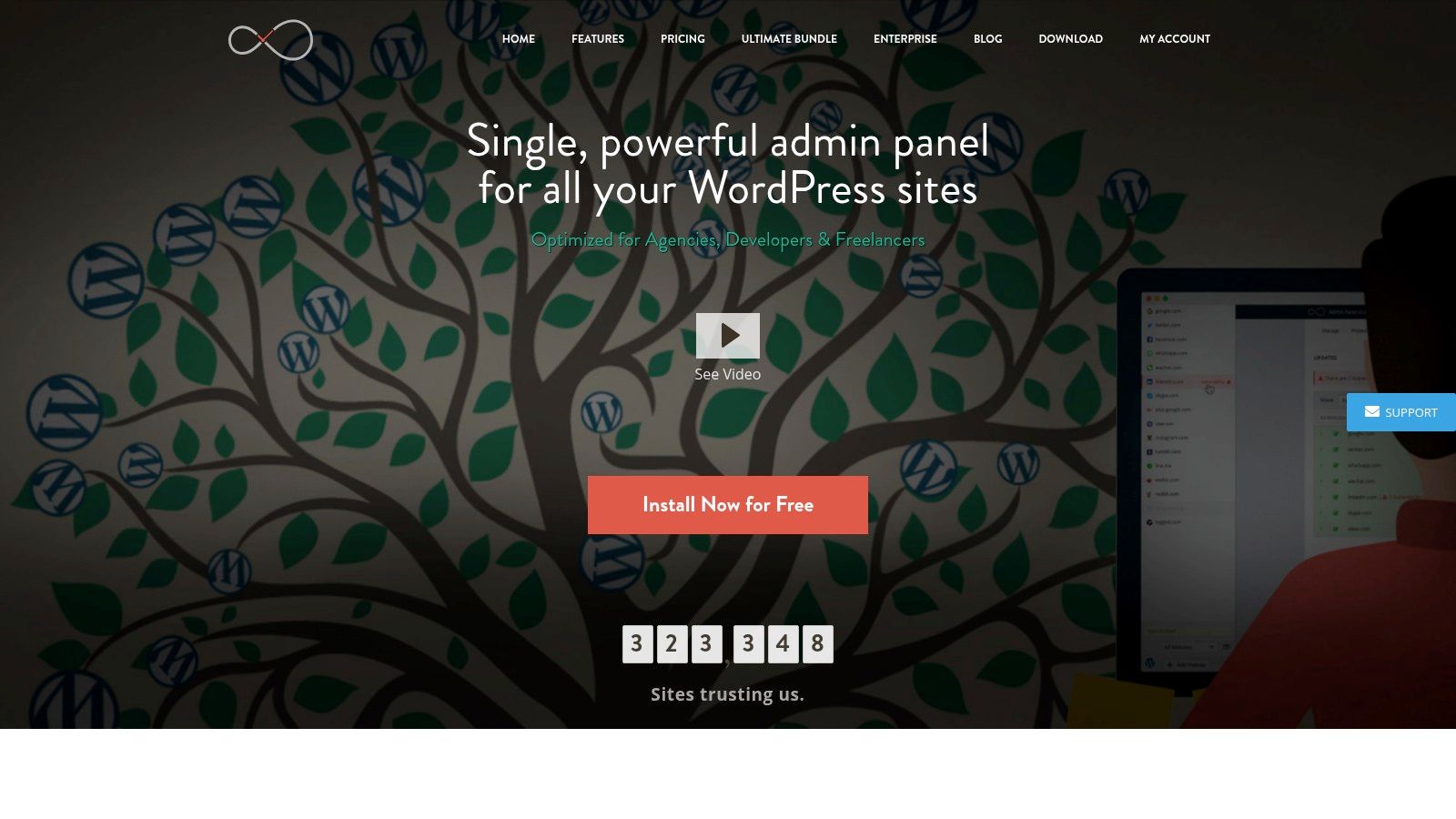
Its one-click updates for WordPress core, plugins, and themes significantly reduce administrative overhead. Robust backup and restore features ensure site safety and quick recovery in case of emergencies. The included uptime and performance monitoring tools provide valuable insights into site health, and client reporting features add further value for agencies. Freelancers can learn more about time-saving strategies for managing client WordPress websites by exploring resources like this guide for freelancers managing client WordPress sites.
Pros
- Self-hosted, giving you full control over your data and server environment.
- Centralized dashboard simplifies managing updates, backups, and security across multiple WordPress sites.
- Ideal for developers and freelancers handling numerous client sites.
- Offers valuable client reporting tools.
Cons
- Requires hosting and setup on your own server, demanding some technical expertise.
- The interface might appear somewhat dated compared to some newer WordPress management tools on the market. This can affect the overall user experience.
5. WP Remote
WP Remote is a cloud-based dashboard for administering multiple WordPress websites. It provides a centralized platform for updates, backups, security monitoring, and more. This makes WP Remote a valuable tool for freelancers, agencies, and business owners handling numerous WordPress installations. It streamlines essential tasks, freeing up time and resources.
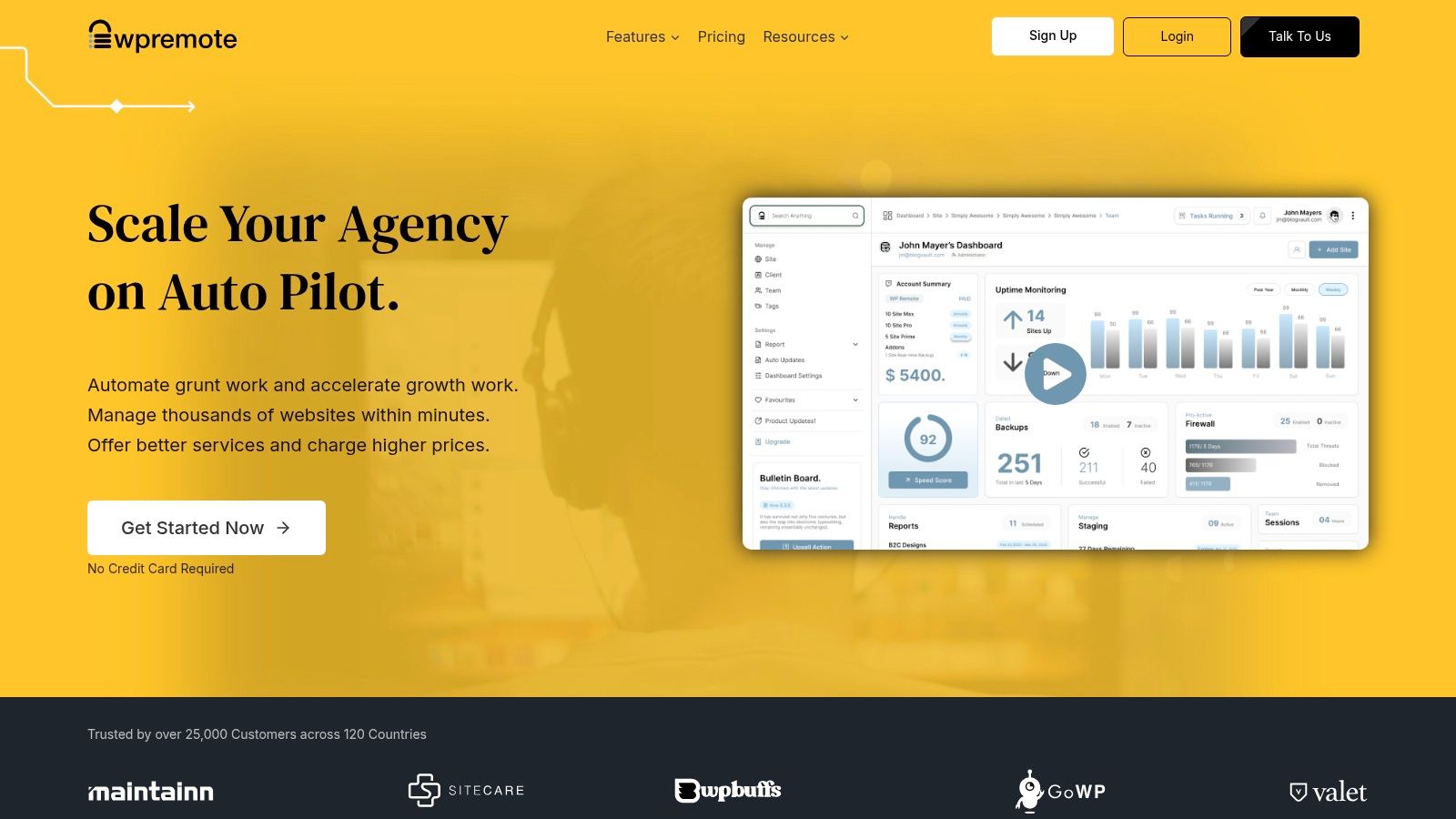
One-click updates for core, plugins, and themes are a significant time-saver. Automated backups with restore options provide a safety net against data loss. The integrated staging environment allows for safe testing of updates and changes before pushing them live. WP Remote’s security monitoring and malware scanning features contribute to a proactive security posture. While the free version offers basic functionality, the premium plans unlock more advanced features and support for additional websites. Visit the WP Remote Website
Pros
- User-friendly interface for managing updates, backups, and security.
- Comprehensive security features including malware scanning.
- Integrated staging environments for safe testing.
- Automated backups and easy restore options.
Cons
- Limited advanced features in the free version.
- Premium plans can become expensive when managing a large number of sites.
6. CMS Commander
CMS Commander is a paid dashboard focused on content and monetization across multiple WordPress sites. It's a strong choice for affiliate marketers, bloggers, and anyone managing content-heavy WordPress networks. The platform excels at streamlining bulk posting, content scheduling, and integration with various affiliate networks. It allows users to manage multiple sites from a single dashboard, saving significant time and effort.
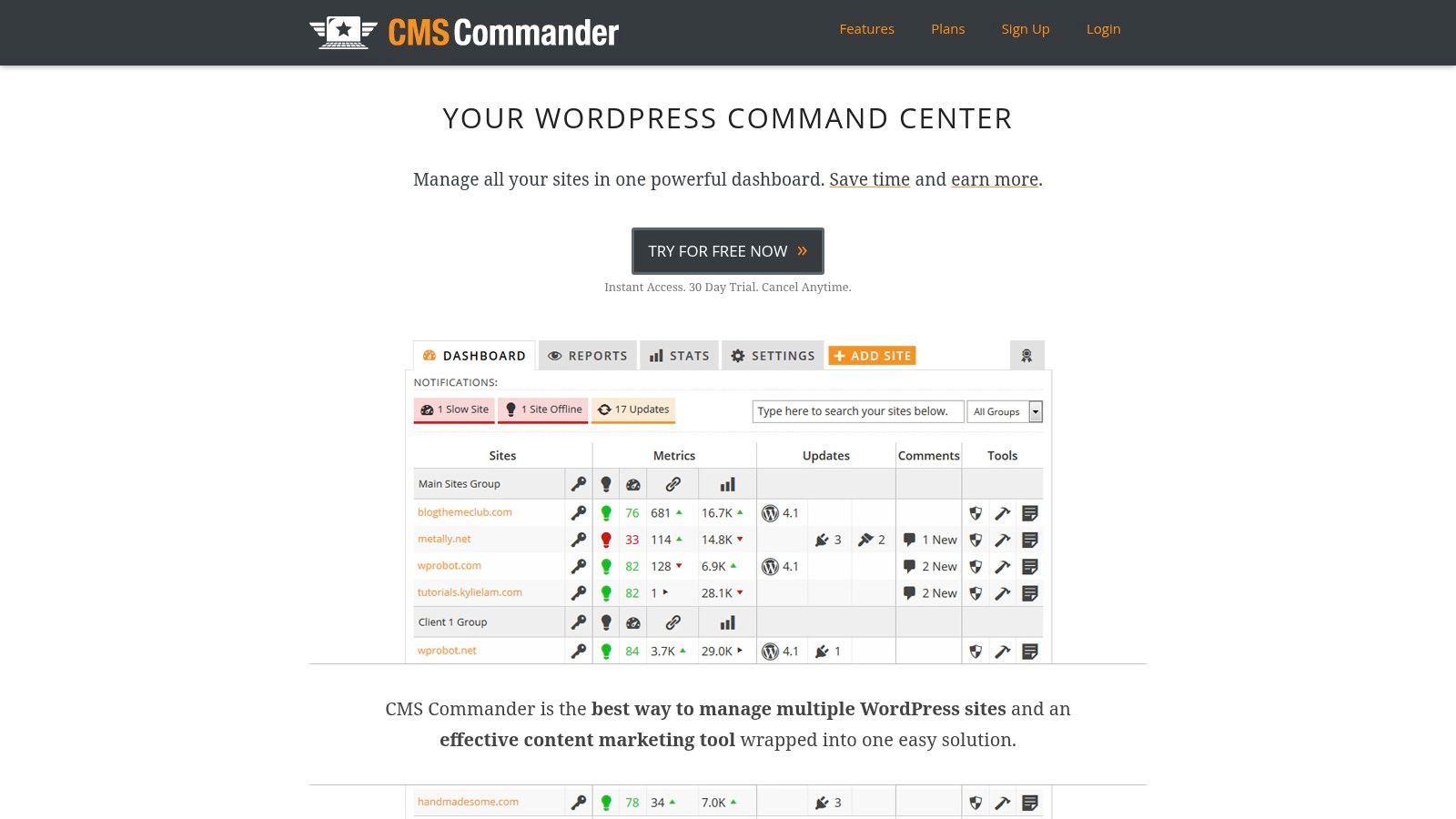
Beyond content management, CMS Commander provides one-click updates for plugins and themes, along with automated backups and restore options. The security monitoring and malware scanning features add another layer of protection for your WordPress ecosystem. While the interface might feel slightly dated compared to some newer tools, the robust functionality and focus on content make it a valuable asset for specific use cases. Setting up CMS Commander is relatively straightforward, although configuring some of the more advanced affiliate integrations might require some initial exploration.
Pros
- Comprehensive content management features, including bulk posting and scheduling.
- Supports integration with various affiliate networks for streamlined monetization.
- Automated backups ensure data security and easy restoration.
- One-click updates simplify plugin and theme management.
Cons
- Interface may feel outdated compared to some modern alternatives.
- Some features, particularly affiliate network integrations, might require additional configuration.
7. WP Umbrella
WP Umbrella is a modern, cloud-based dashboard for maintenance and oversight across multiple WordPress sites. It focuses on key areas like uptime monitoring, automated backups, and performance checks, making it a strong choice for users prioritizing site stability and security. This tool excels at simplifying complex tasks, making it suitable for both beginners and experienced WordPress administrators.
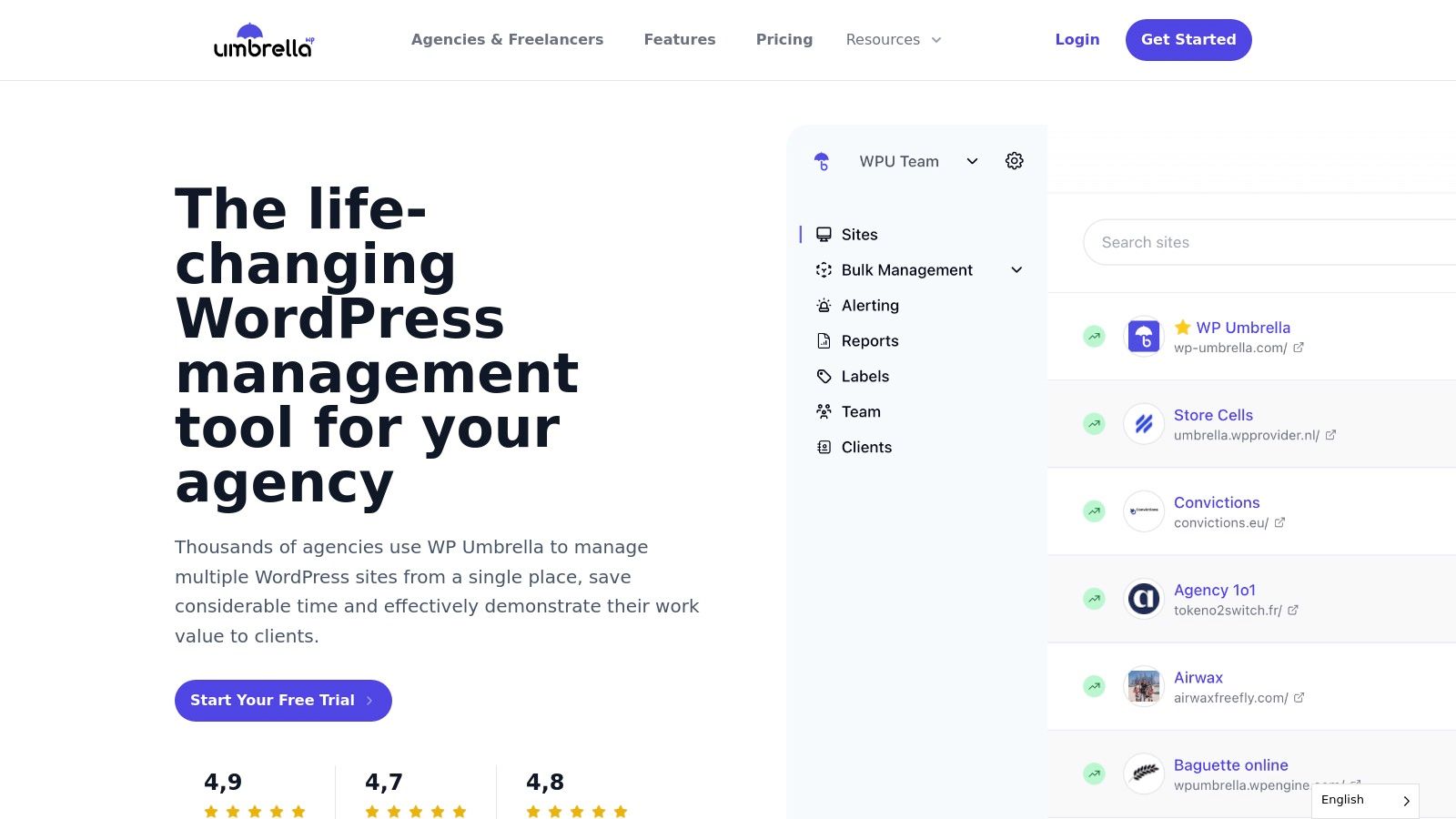
WP Umbrella shines with its one-click updates for plugins, themes, and WordPress core. Real-time uptime monitoring and performance checks provide immediate insights into site health. Automated backups with easy restore options further enhance the security and peace of mind for users. The platform also provides white-label client reporting and team collaboration tools, making it well-suited for agencies managing client websites. Its pay-as-you-go pricing model provides flexibility for businesses of all sizes.
Pros
- Intuitive and beginner-friendly interface.
- Comprehensive monitoring and alert system for uptime and performance.
- Automated backups and easy restoration process.
- Affordable pay-as-you-go pricing.
- White-label reporting and team collaboration features.
Cons
- Limited integrations with third-party services compared to more established platforms.
- Cloud-based only, with no self-hosted option available.
8. SolidWP
SolidWP (formerly iThemes) provides a robust suite of WordPress plugins designed for security, backups, and overall site management. This allows users to efficiently manage multiple WordPress sites from a single, centralized interface. This makes it a strong contender for agencies and developers handling numerous client websites. SolidWP streamlines tasks like plugin and theme updates, security monitoring, and backups, saving considerable time and effort.
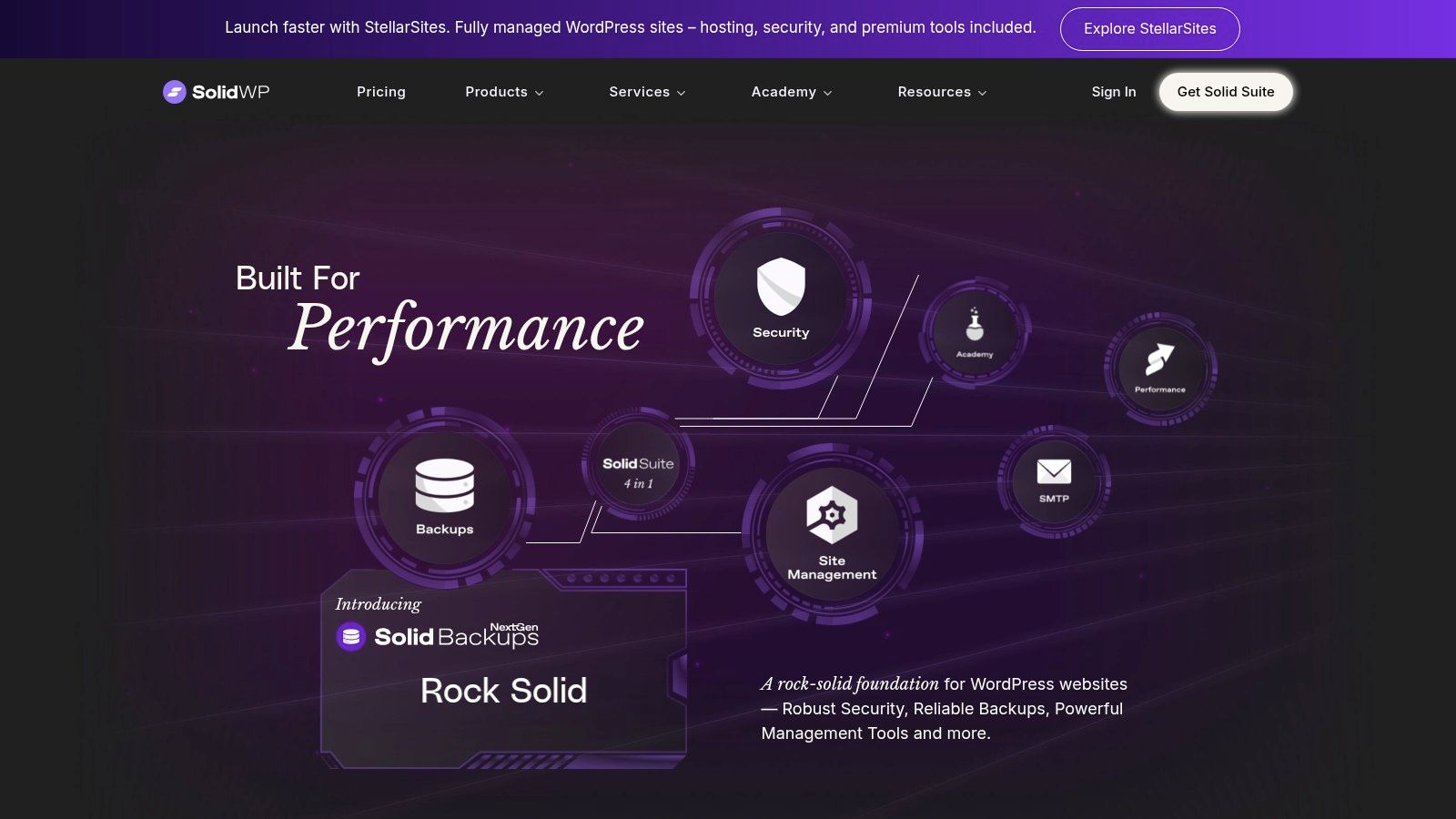
A key advantage of SolidWP is its integrated approach. The suite includes tools like Solid Security Pro and Solid Backups, providing comprehensive protection and disaster recovery options. The client reporting and white-label features also make it attractive for agencies looking to offer managed WordPress services. While individual plugin pricing is available, the complete suite offers the best value if you manage many sites.
Pros
- Centralized management for multiple WordPress sites.
- Bulk theme and plugin installation and updates.
- Uptime monitoring and performance checks.
- Integrated security and backup solutions.
- Client reporting and white-labeling.
Cons
- Pricing can be higher than some competitors, especially for individual plugins.
- Some features may require additional configuration for optimal performance. This can add to the initial setup time.
9. Jetpack
Jetpack is a comprehensive WordPress plugin developed by Automattic that offers security, performance, and site management features, including the ability to manage multiple WordPress sites from a single dashboard. This makes it a popular choice for users looking for an all-in-one solution, especially those already familiar with the WordPress.com ecosystem. Jetpack simplifies tasks like plugin updates, security scans, and performance monitoring across your network.
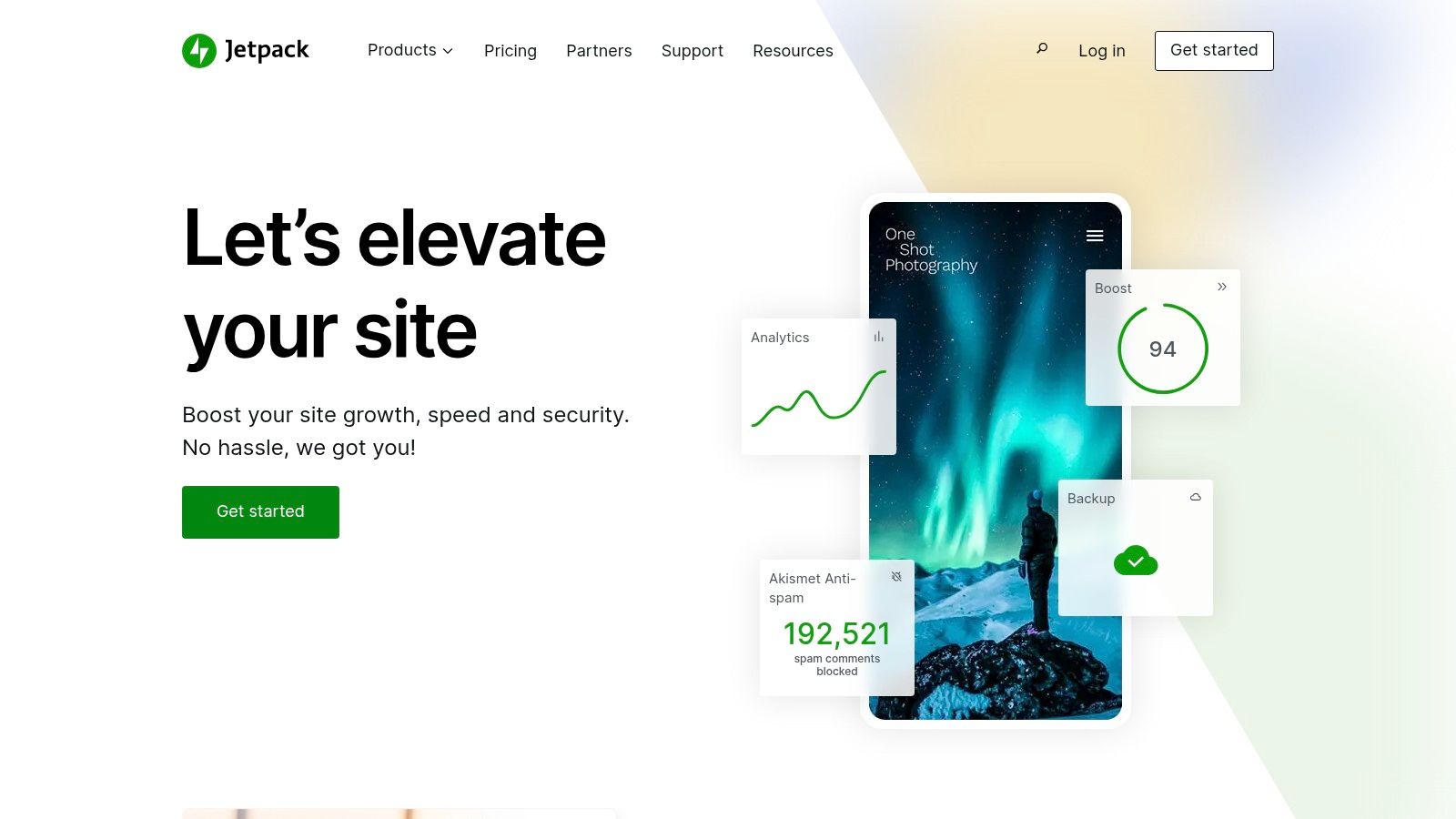
While the free version provides essential features like basic site stats and security protection, the real power of Jetpack for managing many sites lies in its premium plans. These unlock advanced features like automated backups, malware scanning, and real-time uptime monitoring across all connected sites. For larger networks or businesses prioritizing security and performance, these features are invaluable. Connecting your sites to WordPress.com also allows for centralized management through their interface.
Pros
- Developed by Automattic, ensuring reliability and compatibility with the WordPress core.
- Comprehensive suite of features covering security, performance, backups, and marketing.
- Free plan available with essential features, allowing users to test the service before upgrading.
Cons
- Some advanced features that matter when you manage many sites require a premium plan.
- The extensive feature set can add overhead to site performance if not carefully configured. Deactivating unused modules is highly recommended.
10. Greyd.Hub
Greyd.Hub, a component of the Greyd.Suite, offers streamlined management for multiple WordPress websites. Its features include simultaneous imports, exports, and backups, along with the ability to post content across multiple sites concurrently. This makes it useful for teams juggling numerous WordPress installs. Greyd.Hub also boasts impressive site migration speeds, claiming to complete the process in just 60 seconds.
For more complex projects, Greyd.Hub offers advanced tools like Site Connector, enabling linking of websites across different installations. This feature is particularly useful for developers managing interconnected WordPress networks. While Greyd.Hub provides a free trial, its full pricing isn't publicly available, requiring direct contact with the company.
Pros
- Efficient centralized management for multiple WordPress sites.
- Simultaneous imports, exports, and backups streamline workflows.
- Content posting across multiple sites saves considerable time.
- Advanced tools like Site Connector cater to complex projects.
- Free trial available for testing and evaluation.
Cons
- Pricing details require contacting the company directly.
- The feature-rich nature of Greyd.Hub may present a learning curve for new users.
11. WP Multi Network
WP Multi Network is a free WordPress plugin offering a unique approach to multisite management. Instead of managing individual sites within a single network, this plugin empowers super admins to create and manage multiple multisite networks from a central interface. This makes it a true WordPress Multisite tool for complex setups with diverse site groupings, such as managing client sites, separate brand networks, or distinct language versions.
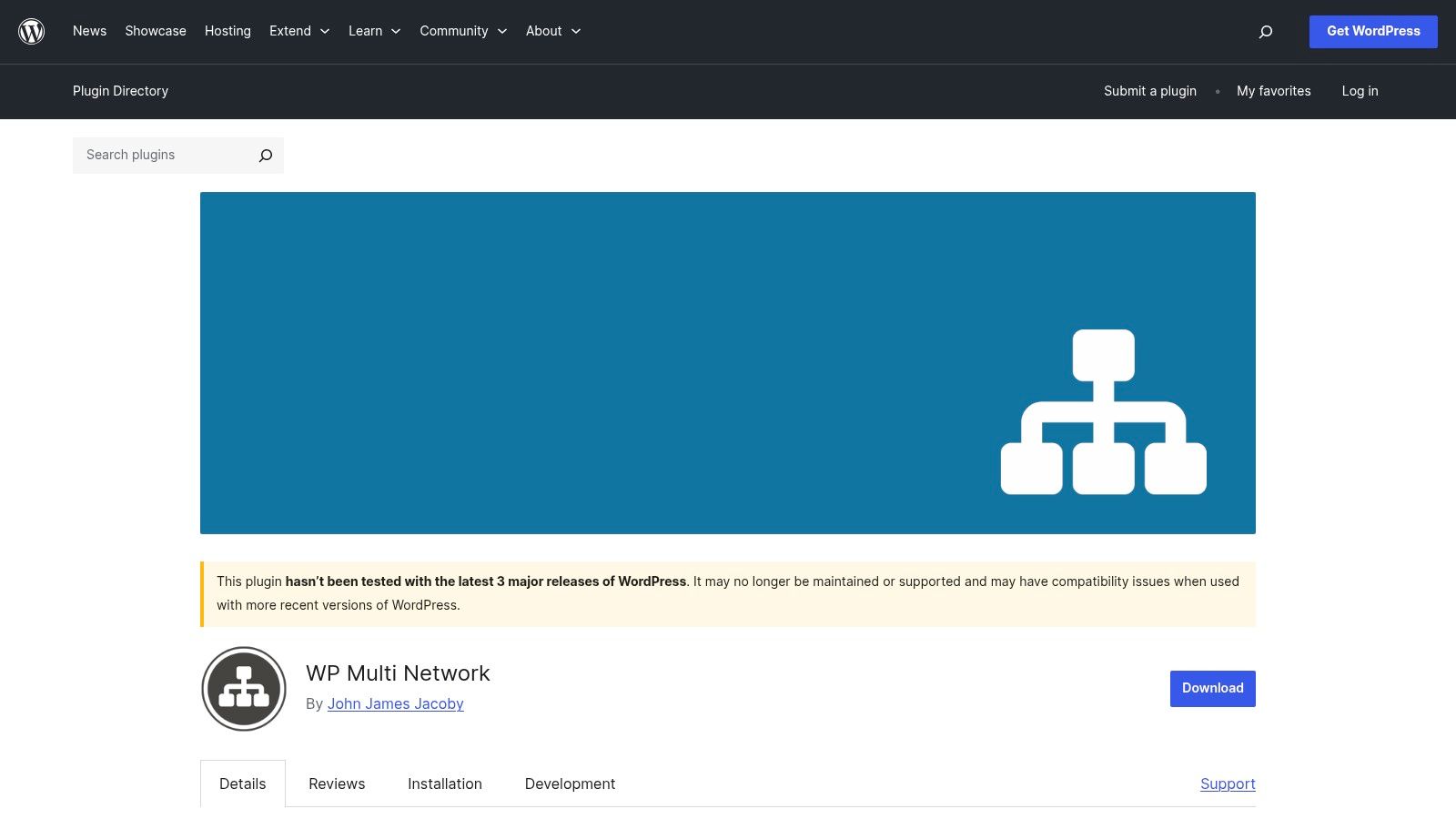
This free and open-source plugin opens doors to advanced network configurations. It allows for a centralized user base across all your networks, simplifying user access and permissions. You can also organize sites, networks, and domains with remarkable flexibility. This level of control is invaluable for large organizations or agencies managing a complex web presence. However, be prepared for a steeper learning curve, as setup and ongoing management require a solid understanding of WordPress multisite and server administration.
Pros
- Extends WordPress multisite functionality to manage multiple networks.
- Free and open-source, making it accessible to everyone.
- Offers granular control over user access and network configurations.
- Centralized user base across all managed networks.
Cons
- Requires significant technical expertise to set up and administer.
- Limited support resources compared to premium management dashboards.
- Can be overwhelming for users unfamiliar with advanced WordPress multisite configurations.
12. Duplicator
Duplicator is a versatile WordPress plugin functioning as both a migration tool and a backup utility. It simplifies the process of moving, copying, or cloning a WordPress site, making it invaluable for developers managing multiple sites, including WordPress Multisite networks. This tool empowers users to bundle an entire site, including databases and files, into a portable package for easy deployment elsewhere.

Duplicator is not a central management dashboard. Its strength is packing a site (files and database) so you can copy, migrate, or stage it. Imagine needing to test a new plugin or theme on a staging environment before rolling it out across your network. Duplicator simplifies this process. It allows for quick creation of a duplicate site for testing, mitigating the risk of impacting live sites.
Pros
- Streamlined site migration and backup process.
- Supports both single and multisite WordPress installations.
- Free version offers core functionalities, sufficient for many basic tasks.
- Useful for creating staging sites for testing and development.
Cons
- Performance can be a concern with larger sites, potentially necessitating the Pro version.
- Some advanced features, such as cloud storage integration, are restricted to the Pro version.
Comparison table
| Product | Core Features & Management | User Experience & Quality ★★★★☆ | Value & Pricing 💰 | Target Audience 👥 | Unique Selling Points ✨ |
|---|---|---|---|---|---|
| 🏆 WP Foundry | Manage unlimited sites; plugins, themes, core updates, backups, Helper plugin connection, vulnerability scanner | Intuitive interface, robust features, cross-platform | Free for two sites; $10 unlimited-sites license, perpetual use | Freelancers, agencies, bloggers, IT admins | Built-in vulnerability scanner; Helper-based remote management; lifetime license |
| ManageWP | One-click updates, automated backups, security scans, client reporting | User-friendly, reliable backups & security | Free plan; paid tiers for advanced | Freelancers, agencies | Cloud-based with white-label reporting |
| MainWP | Centralized control, automated updates, backups, security checks | Customizable, requires self-hosting setup | Free core; paid extensions | Developers, agencies | Open-source, highly extensible |
| InfiniteWP | One-click updates, backup/restore, uptime monitoring, client reports | Centralized but interface feels outdated | Paid, self-hosted | Agencies, developers | Self-hosted full control |
| WP Remote | Centralized updates, automated backups, security & performance monitoring | Easy to use, integrated staging | Free limited; premium can be costly | Small teams, agencies | Integrated staging environments |
| CMS Commander | Bulk posting, updates, backups, security, affiliate integrations | Feature-rich but interface dated | Paid plans | Agencies, affiliate marketers | Affiliate network integration |
| WP Umbrella | Updates, real-time uptime, backups, client reporting, team collaboration | Intuitive, beginner-friendly | Affordable pay-as-you-go | Small teams, freelancers | Real-time uptime & team collaboration |
| SolidWP | Site management, bulk updates, uptime monitoring, reporting | User-friendly, scalable | Paid plans, higher price point | Agencies, developers | Integration with Solid Security & Backups |
| Jetpack | Security, performance, backups, analytics, centralized WP.com control | Reliable, feature-rich, some overhead | Free plan; premium upgrades | Bloggers, agencies, all WP users | Developed by Automattic, broad feature suite |
| Greyd.Hub | Multi-site imports/exports, backups, content posting, migration | Efficient, advanced tools | Pricing undisclosed | Agencies, developers | Site Connector for complex multi-installation linking |
| WP Multi Network | Manage multiple multisite networks, centralized users | Requires technical skill, limited support | Free | Advanced WP multisite users | Extends multisite capabilities |
| Duplicator | Site migration, backups, cloning, single & multisite support | Simple, reliable | Free basic; Pro for large sites | Developers, site admins | Easy site migration and cloning |
Final thoughts
There is no single right tool. Cloud dashboards (ManageWP, WP Umbrella, WP Remote) trade convenience for storing site data off your machine. Self-hosted dashboards (MainWP, InfiniteWP) keep control on a server you maintain. WP Foundry is the desktop option: install it locally, connect each site over HTTPS with the helper plugin, and keep the site list on your computer.
How to choose
- Scale: A handful of sites can use a free or cheap plan. Larger portfolios need a clear per-site cost and a queue that can run updates without babysitting each wp-admin.
- Where data lives: If you do not want a third-party cloud holding site credentials, prefer a local desktop app or a dashboard you host yourself.
- WordPress Multisite vs many sites: Need one WordPress install that hosts a network of sites? Look at WP Multi Network (and WordPress Multisite itself). Need to administer many separate WordPress installs? That is what WP Foundry, ManageWP, MainWP, and most of the tools above are for.
- Features: Uptime, white-label reports, and scheduled cloud backups are still stronger in some SaaS panels. WP Foundry focuses on plugins, themes, users, on-demand backups, and vulnerability checks from your desktop.
Try WP Foundry
WP Foundry is a desktop WordPress management app for Windows, macOS, and Linux. Free for two sites; Pro is a one-time $10 license for unlimited sites. Download it or see the feature list.
Comments
One response to “12 Tools for Managing Multiple WordPress Sites Compared”
[…] oversight while respecting the independence of each site. It’s a key part of any professional WordPress Multisite manager […]